Skip to content
Rentdura

One of your properties is carrying the others.

Rent, expenses and the real return on every Ontario door, in one place. Run it yourself, or hand it to us.
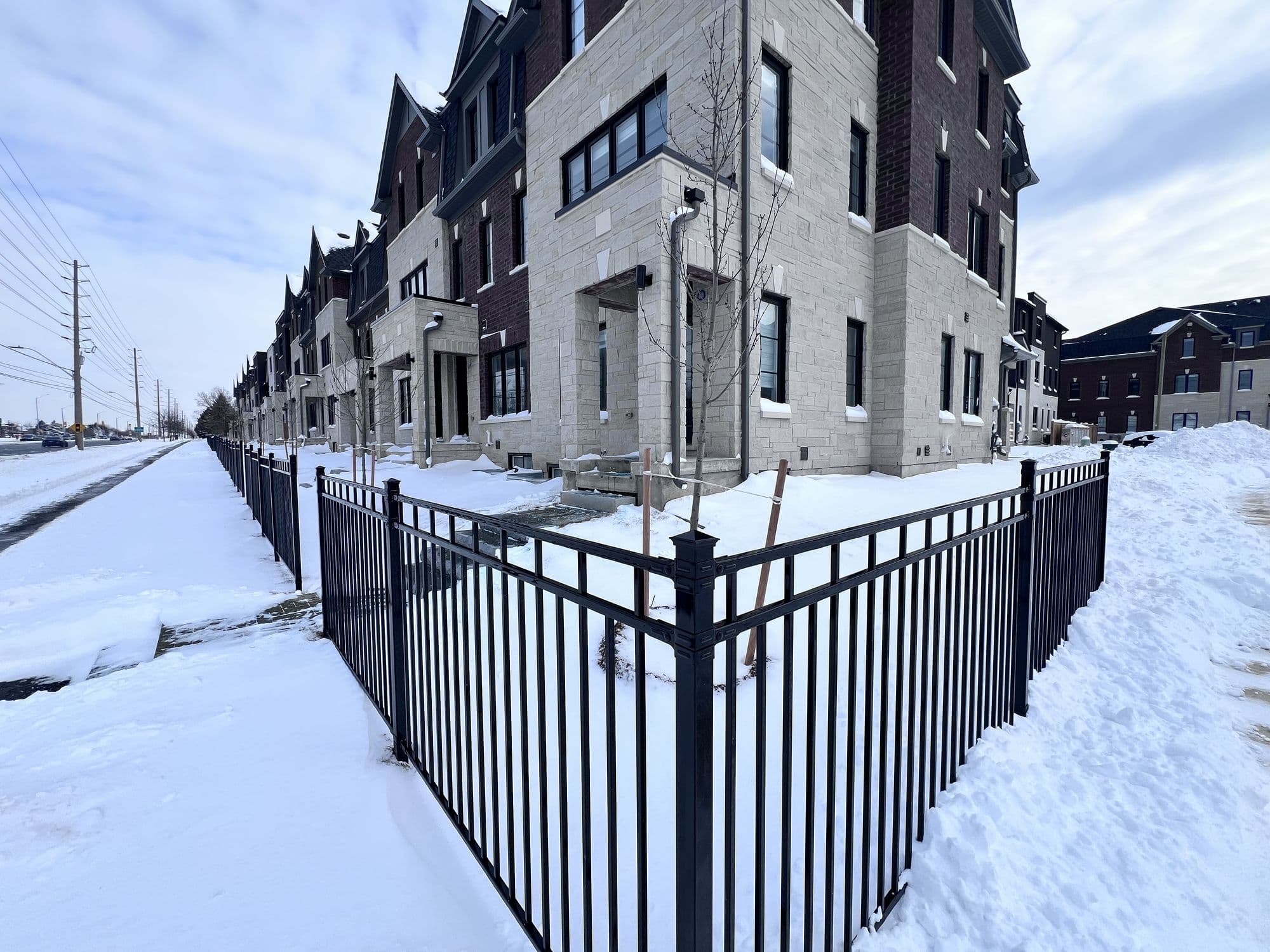
A row of new brick and stone townhouses in Mississauga under snow, behind a black iron fence, with a cleared path running alongside and a clear blue winter sky.
Streetsville, in February. One of the doors these numbers come from.

Rentdura is software for Ontario landlords. We also manage a small number of properties ourselves.

The Rentdura logo

Built in Ontario, for Ontario

Built in Mississauga by a licensed Ontario real estate agent who manages his own portfolio. Because the software written for landlords in Texas kept getting Ontario wrong.
Real Ontario property

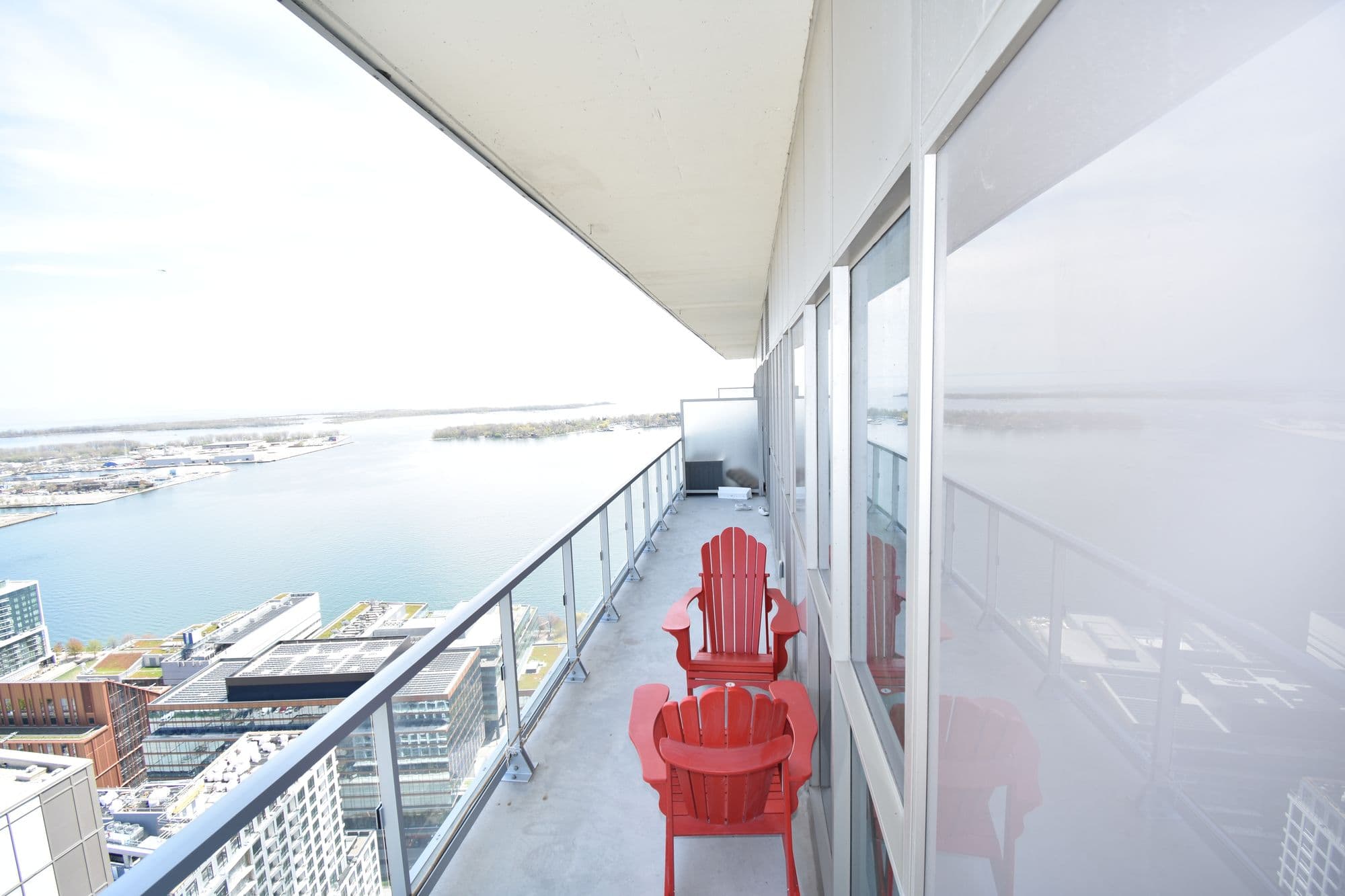
Two red Muskoka chairs on a high condominium balcony overlooking Toronto's harbour and the city skyline below.
Forty storeys up, downtown Toronto.
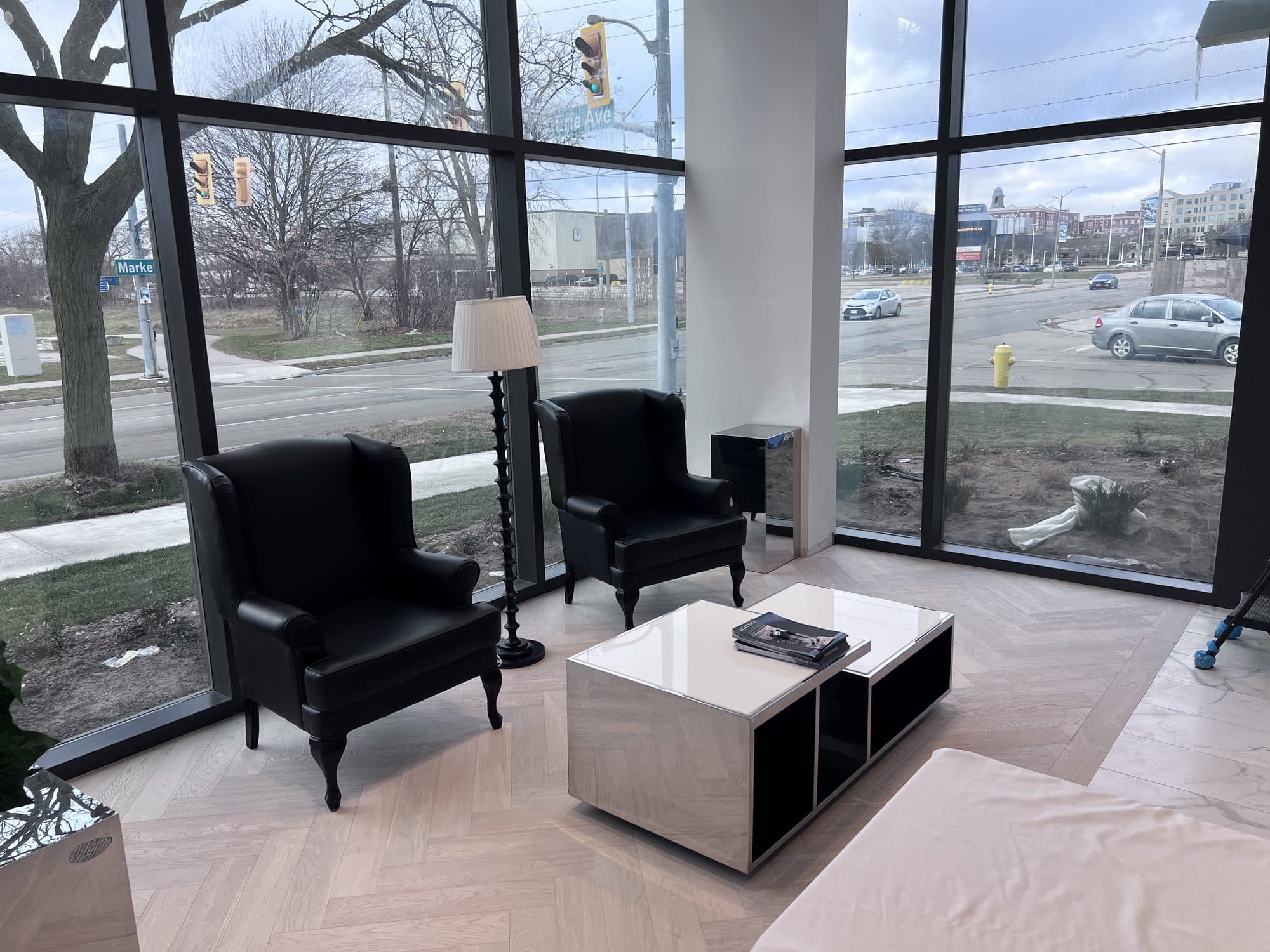
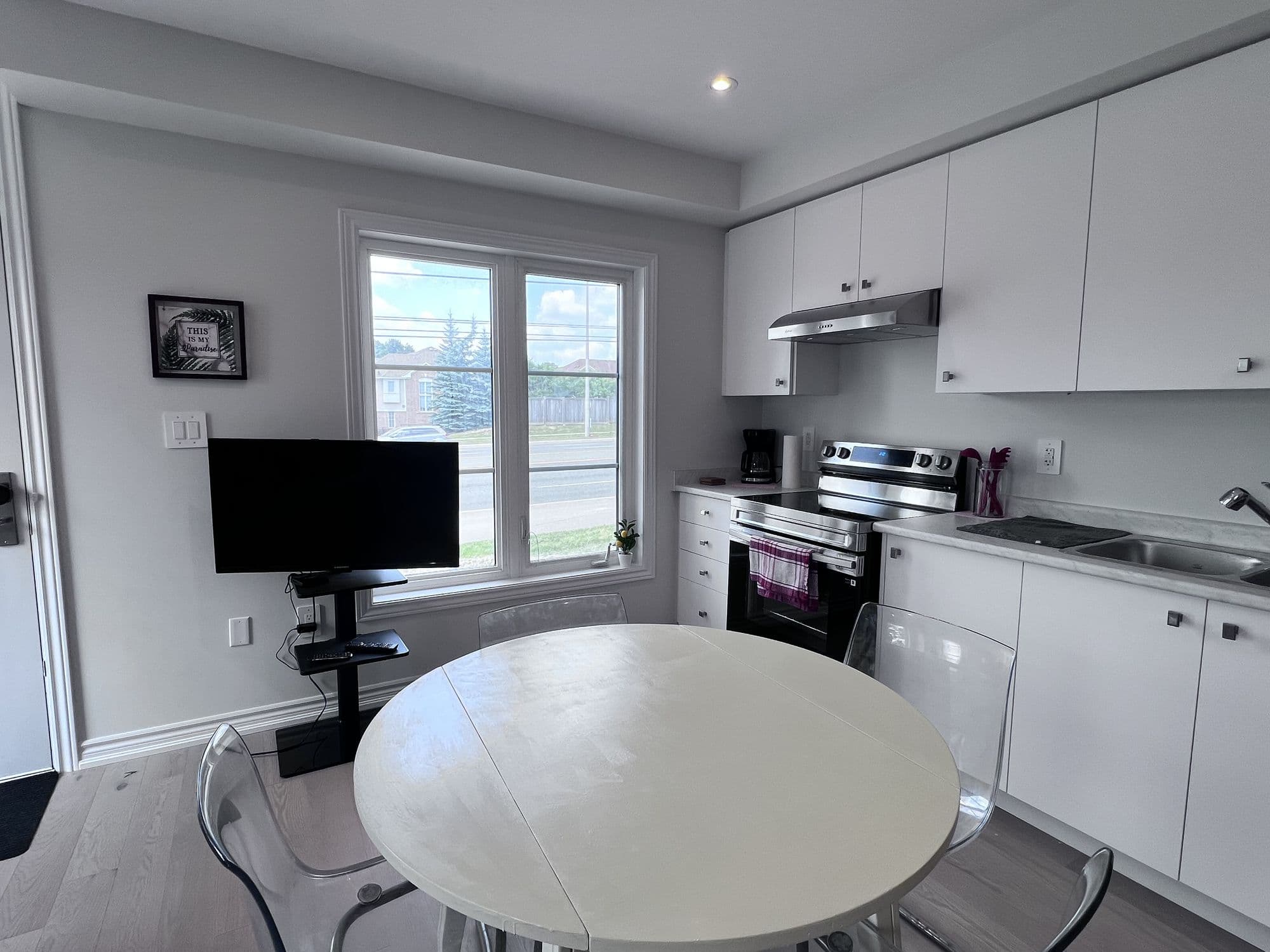
A ground-floor lounge in a new condominium building: two black wingback chairs and a low white table on a herringbone floor, behind glass running the full height of the wall, looking onto a Brantford street.
Brantford. New build, ground floor.
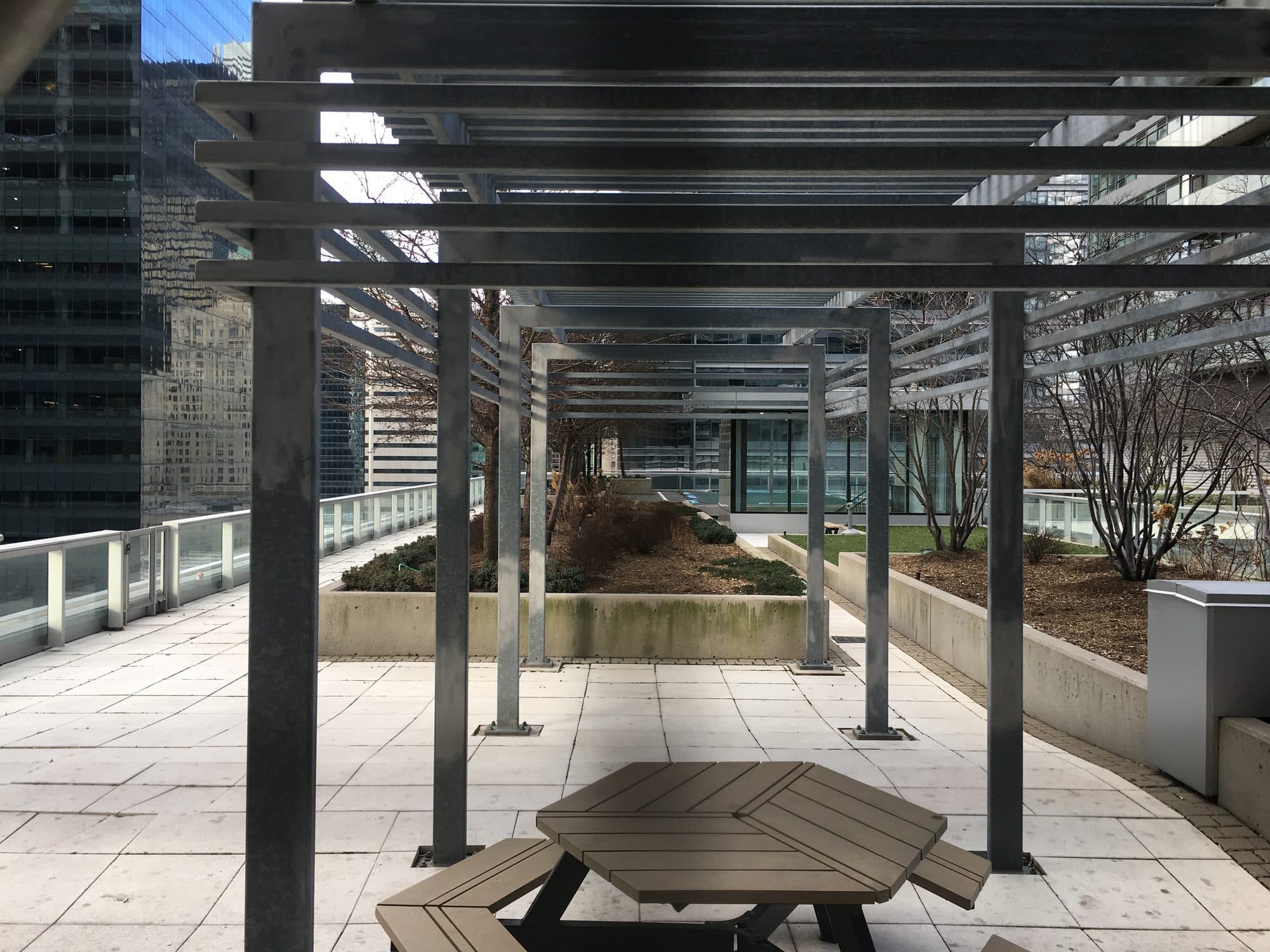
A shared rooftop terrace with a steel pergola and a wooden picnic table, enclosed on all sides by downtown Toronto office towers.
Bremner. Shared terrace, downtown Toronto.

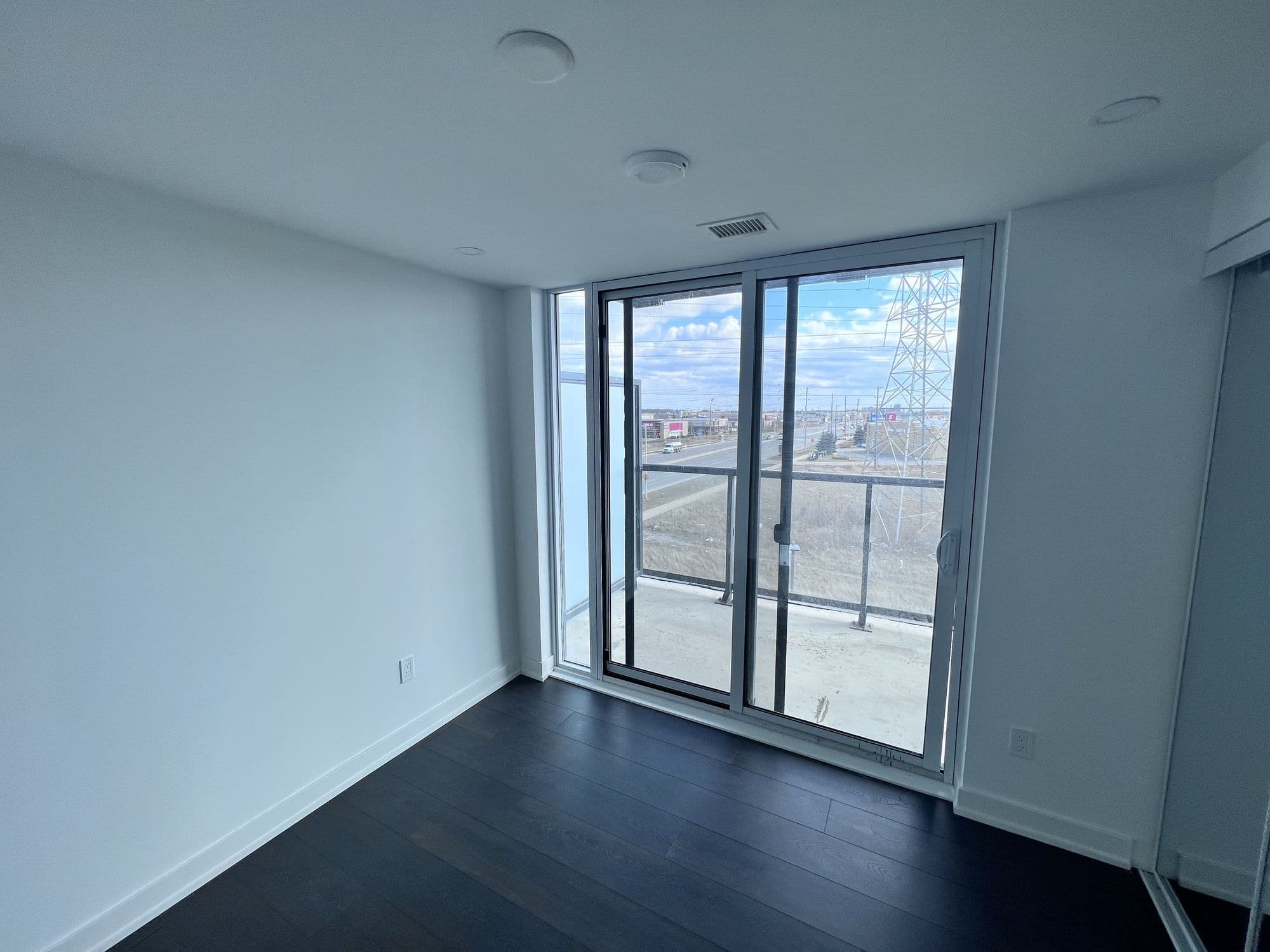
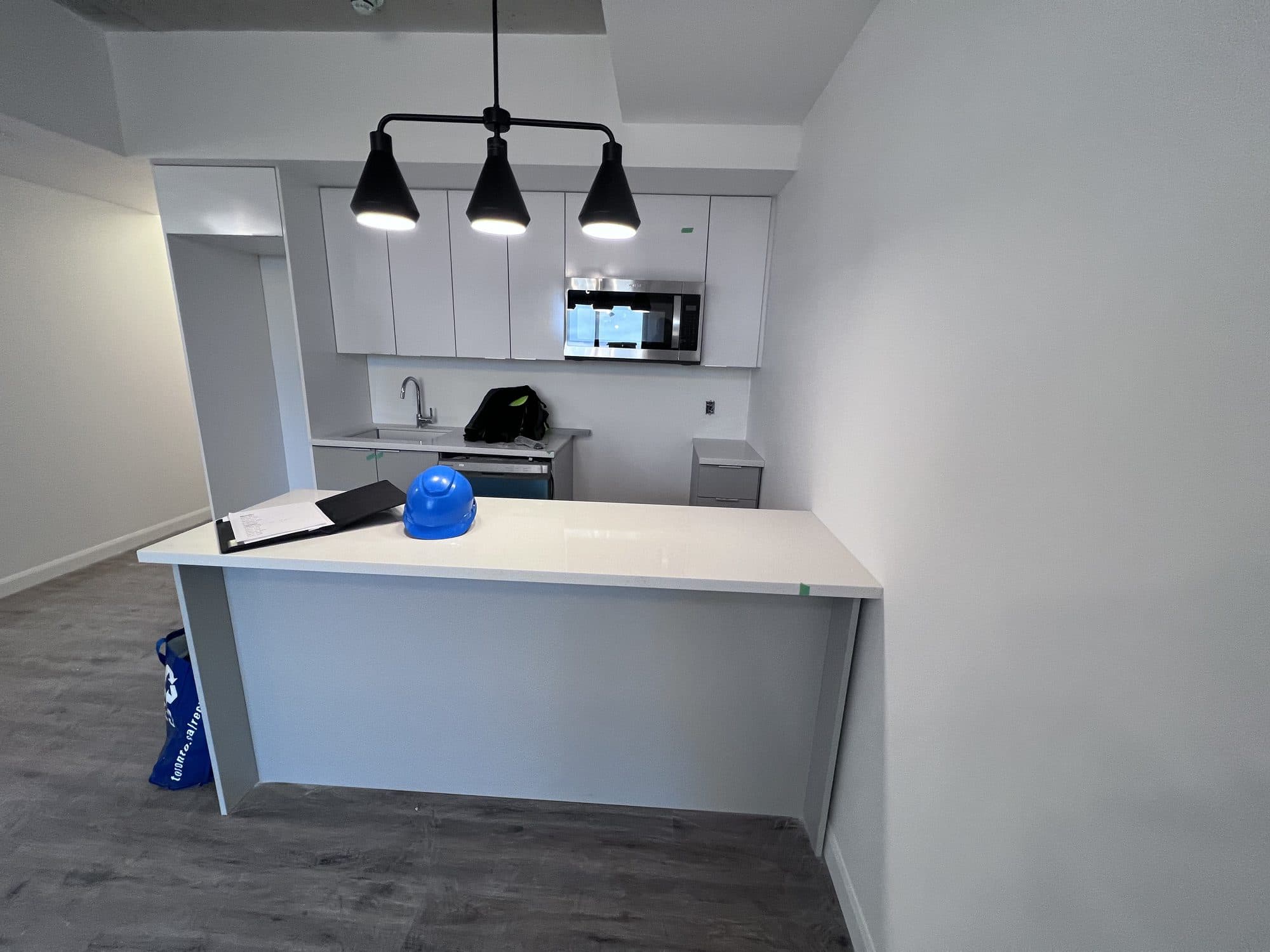
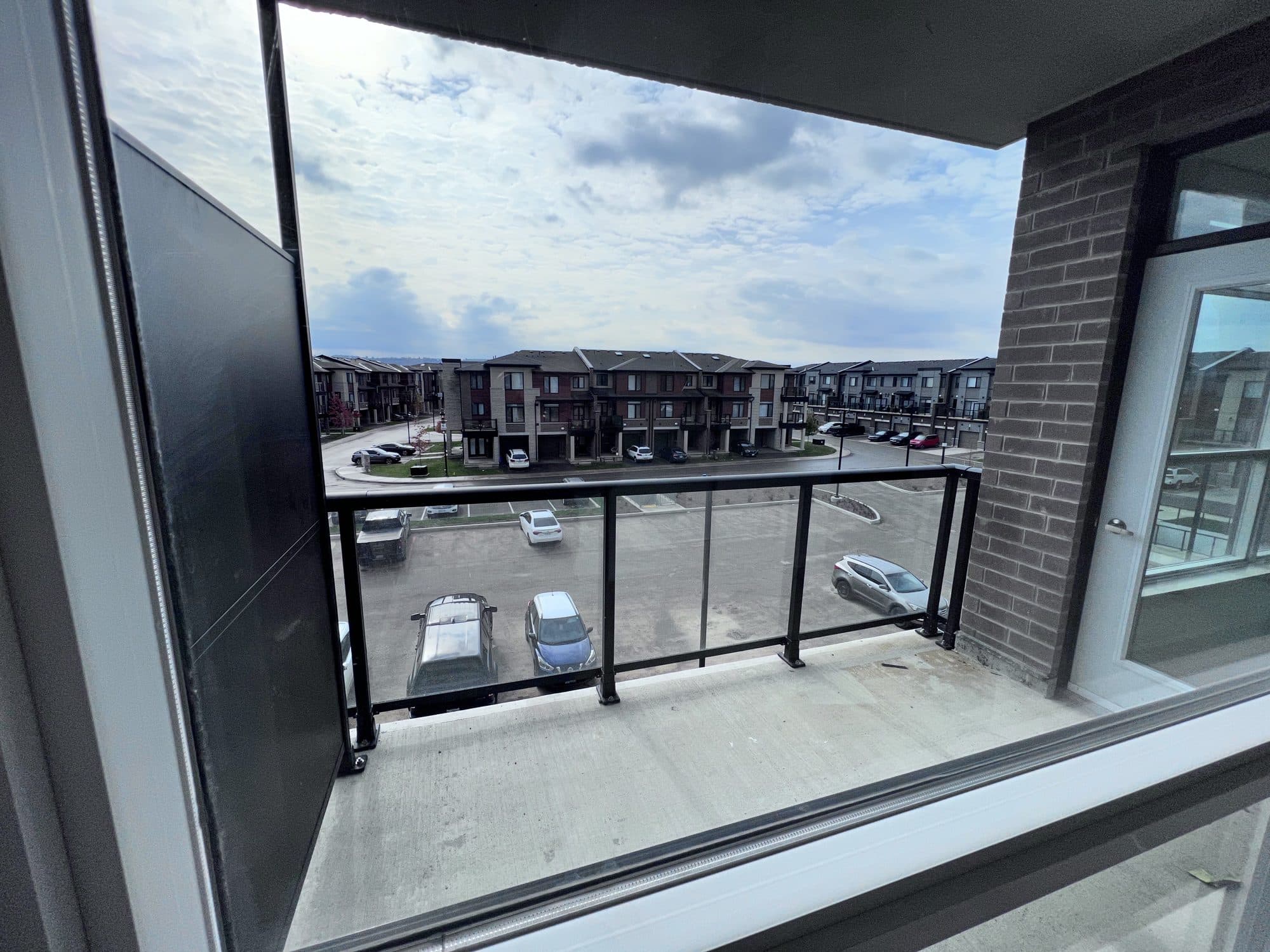
Streetsville, downtown Toronto, Burlington, Brantford and Stoney Creek. Properties Fayah actually holds and manages. The software was written against these doors before it was written for anyone else’s.

What Rentdura does

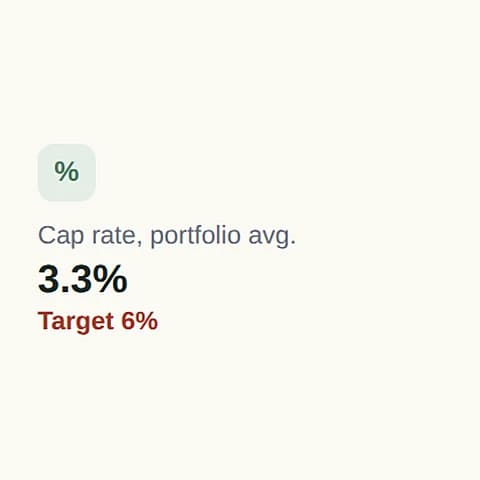
Rentdura metric: cap rate 3.3% against a 6% target

The return, not just the record

Cap rate, cash-on-cash, equity and total return, calculated from transactions you have already entered. Then the question none of the other tools answer: is this property still worth keeping?

How it works
A line drawing of a semi-detached house, a detached house and a condo tower, each tagged with what it earns a month: the semi and the house in profit, the condo at a small loss.Semi, Mississauga+$640 a monthDetached, Burlington+$410 a monthCondo, Toronto−$85 a month
Three doors, three different answers. Sample figures.
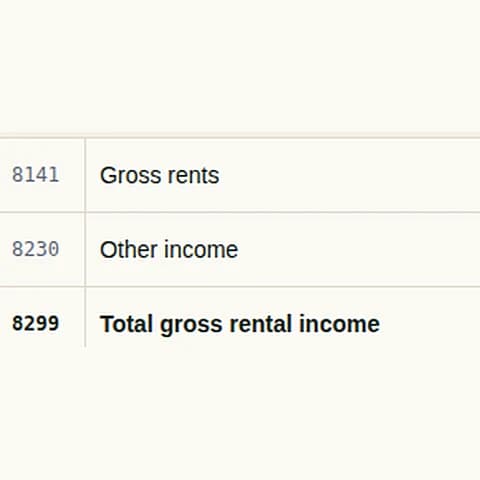
Rentdura T776 lines 8141, 8230 and 8299

A year end your accountant accepts

Categories that map to the T776, HST handled properly, and a package you can send in one file instead of a shoebox of receipts.

How it works
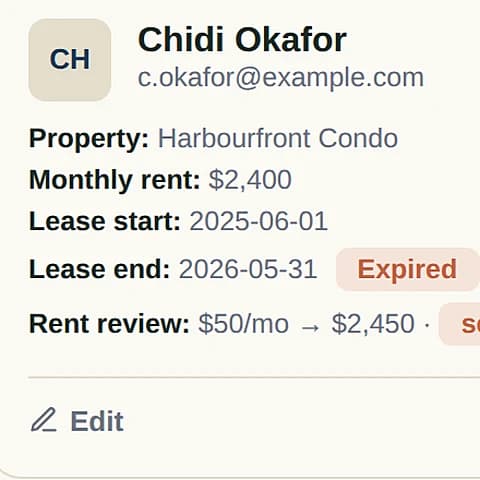
Rentdura tenant record: monthly rent, lease start and end

Rent that arrives on its own

Tenants pay by pre-authorised debit, receipts go out automatically, and arrears are visible the day they happen rather than the month after.

How it works

Built for Ontario, not adapted to it.

Most rental software is written for a landlord somewhere else and localised afterwards. Localising tends to mean the currency symbol and the word “province”. It does not mean the notice you serve is the form the Board accepts this year, or that a security deposit stops being counted as income.

LTB notices on the current forms, filled from the tenancy, rent and arrears already on file
The Board changes its forms, and a notice served on last year's version can be thrown out on that alone. Rentdura fills the current form from the tenancy you already have on file: names, unit, rent, the arrears and the dates they run from.
T776 categories applied as you record an expense, not reconstructed in April
Every expense is filed to its T776 line the moment you enter it, with the receipt attached. At year end the statement is already in the shape the return asks for, per property, instead of a folder you sort through in April.
Security deposits held and reconciled as trust money, never as revenue
Last month's rent is the tenant's money until the last month arrives. Rentdura keeps it out of your income, shows it as money you are holding, and only moves it across when it is applied, so the year's income is not overstated by a deposit.
HST on management fees carried separately, the way your accountant needs it
Residential rent is exempt from HST. A management fee is not. The two are recorded apart, so the fee side and its tax stay visible on their own rather than disappearing into one rental figure.

And one price for all of it. Not per door, not per person. The number does not move when you add either.
Rentdura: all tenants, 4 tenants

One property free. Then one flat price.

Your first property is free for as long as you want it. Not a trial. Above that, one price covers the whole portfolio, however many doors you add.

Bring the years you already have.

Nobody starts from nothing. Your records are in a spreadsheet, and the reason to stay there is usually the thought of retyping them. So the import is built to take what you already keep, in the shape you already keep it.
  1. Rentdura buttons: Import CSV and Add tenant

    01Start from what you have

    Bring the spreadsheet you already keep, in .csv, .xlsx or .xls. If you would rather start clean, download a blank template for properties, transactions or tenants, already carrying the right columns.

  2. Rentdura T776 lines 8141, 8230 and 8299

    02Upload, and let it match the columns

    Your headings are matched to the right fields automatically. Anything it gets wrong, or cannot guess, you set by hand. And the draft survives you wandering off to check a property name.

  3. Rentdura: all tenants, 4 tenants

    03Review, then import

    You see exactly what landed and what did not before anything is committed. And it goes back out the same way: CSV, an Excel workbook with a sheet per record type, or a full backup.

Your records stay yours. Nothing here locks them in. The export is in the product, not something you have to ask for.

More on import and export
The Rentdura logo

Start with one property. It stays free.

No card and no countdown. Add the first door, record a month, and see what it has actually earned. If it turns out not to suit you, your records export in the same session.

Already using Rentdura? Log in.